

Journeys that are tested end to end today
Each journey below is an automated Playwright test that drives the real web app in a browser against the real server, PostgreSQL and a mail catcher, clicking the links in the emails it receives. The test ids come from the E2E plan in docs/23; the build checks that each one exists in the test packs.
Onboarding: invite, account, workspace
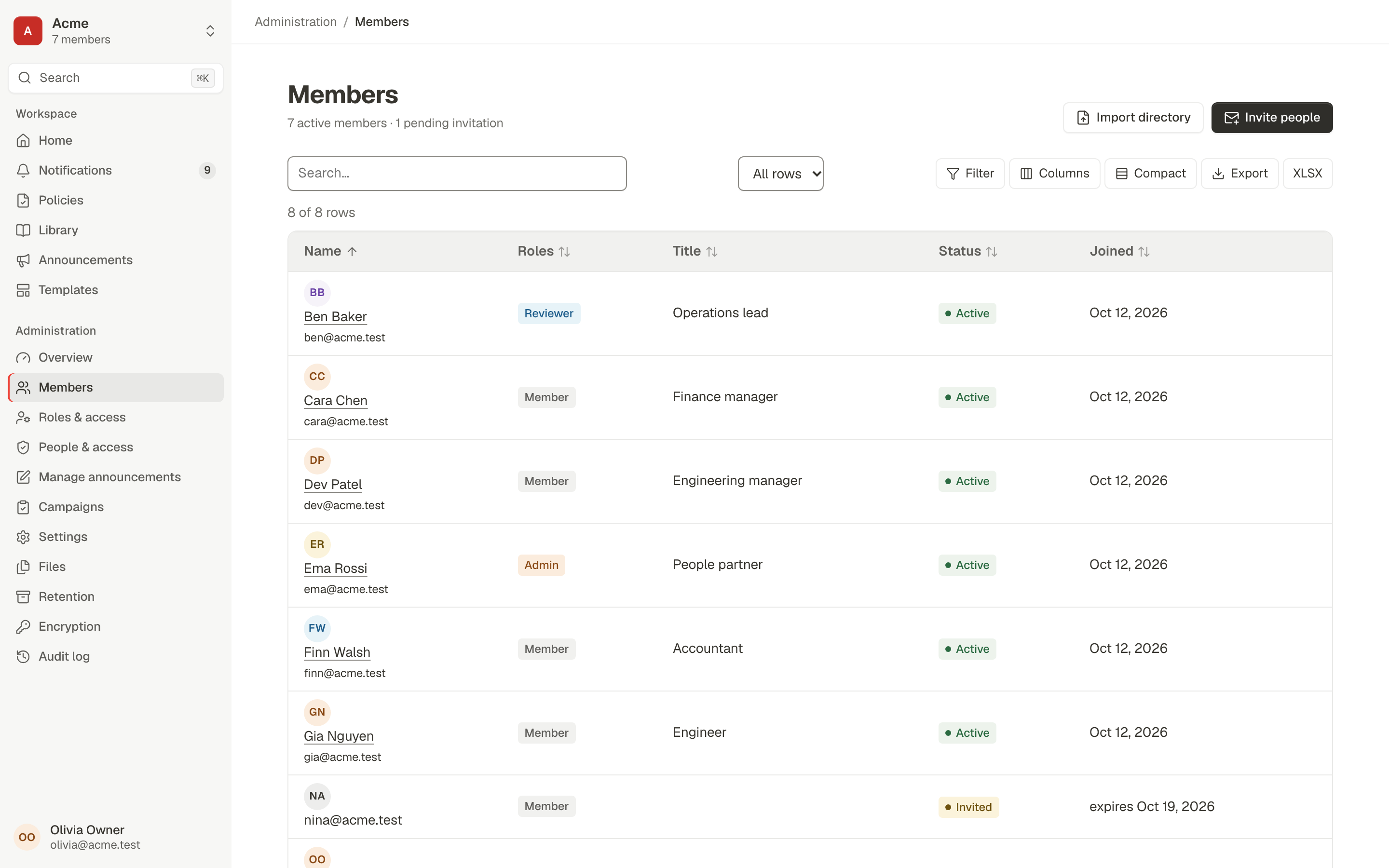
An owner brings a colleague in. No admin console tricks, no shared passwords: an invitation email and a sign-up page.
- Invite from Members. The owner opens Members, chooses Invite people and enters an email address.
- Open the email. The invitee gets the invitation email and opens the link.
- Create the account. They choose a password (confirmation checked) and land on Home in the workspace.
- The link is spent. Opening the same invitation again no longer works.
- Confirm it worked. The owner sees the new member as Active and opens their person page.
Verified by automated browser tests E2E-R1-FLOW-01, E2E-R1-FLOW-02, run against the real server, database and mail catcher. The variant for someone who already has an account (sign in, come back, join with one click) is E2E-R1-FLOW-02.
Policy to campaign to acknowledgement to evidence
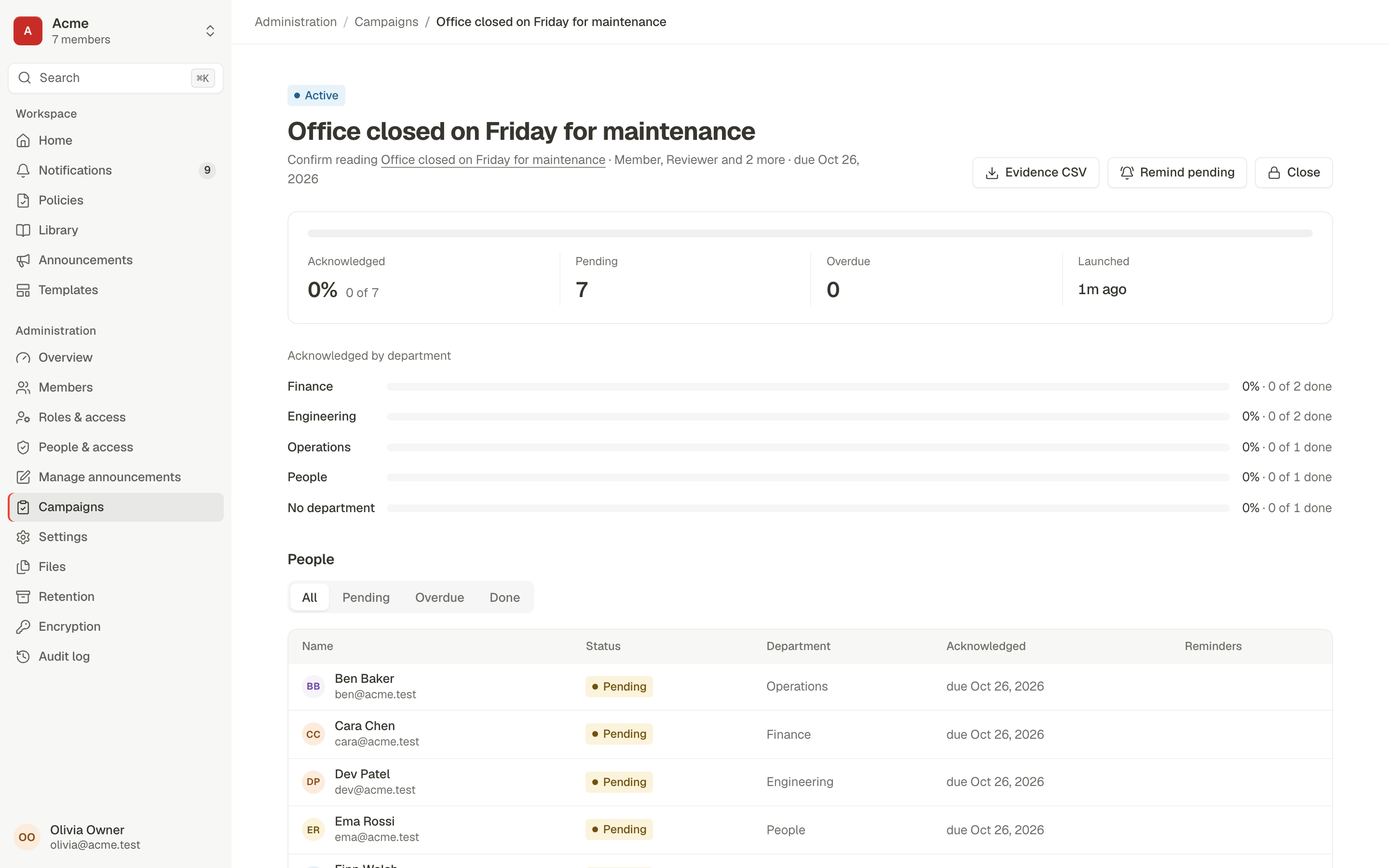
The core loop for any team with policies: publish it, ask people to read it, prove they did.
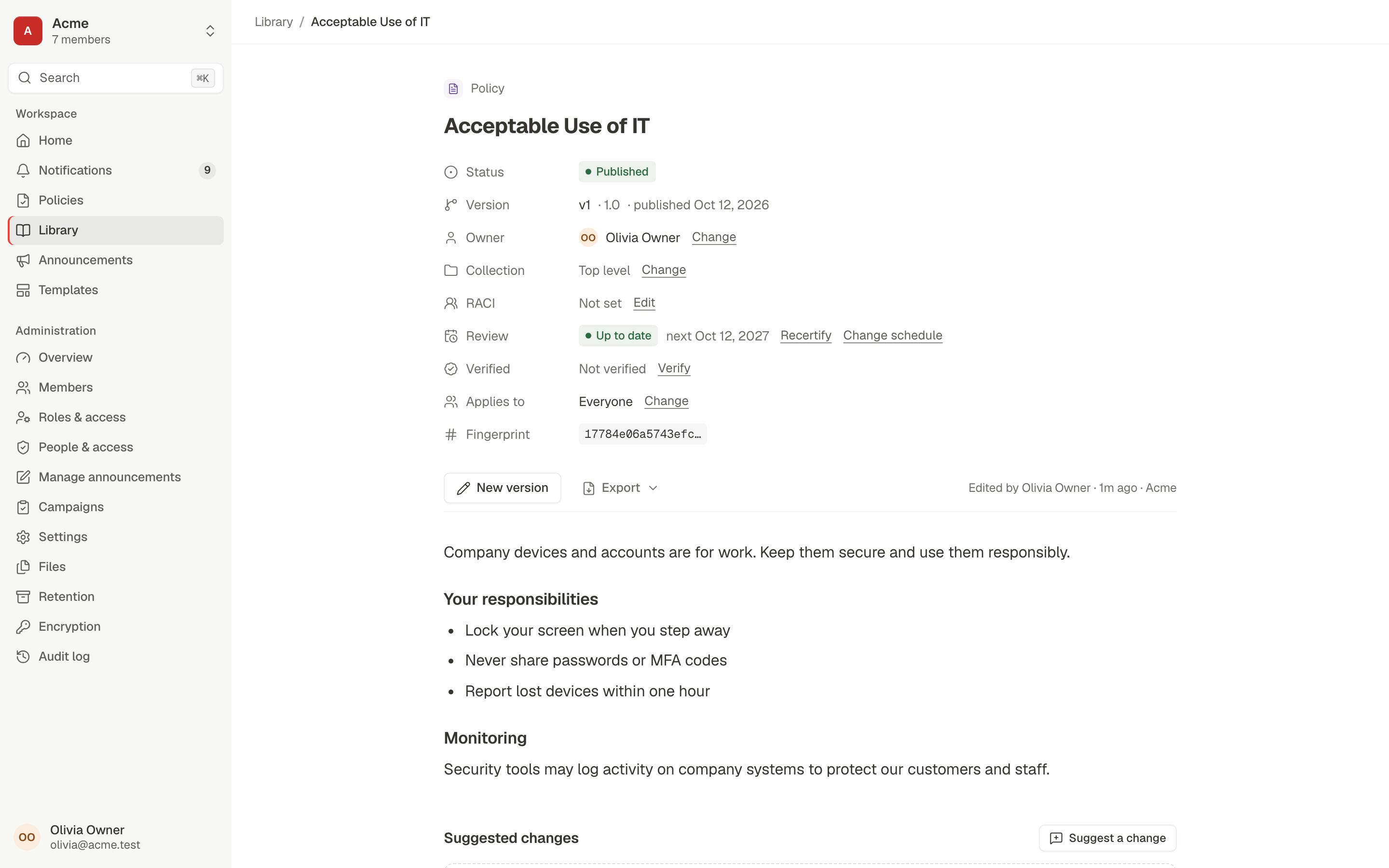
- Write and publish. The owner writes a policy in the editor and publishes it.
- Launch a campaign. From the policy, the owner launches an acknowledgement campaign.
- The task appears. A colleague sees the request on Home and gets an email.
- Acknowledge on the document. They open the email link and acknowledge on the policy itself.
- See progress. The owner sees them Done: 1 of 2.
- Export evidence. The owner downloads the evidence CSV.
Verified by automated browser tests E2E-R1-FLOW-03, E2E-R1-07, run against the real server, database and mail catcher. E2E-R1-07 scales it up: a major version re-asks 51 people, 50 acknowledge (10 at phone size) and the CSV lists the version hash and sign-in method for each.

Review loop with separation of duties
Controlled documents need a second pair of eyes. Procera makes that a rule, not a habit.
- Submit for review. The owner submits a controlled policy.
- Self-approval is refused. The author's own Approve is blocked (separation of duties).
- Request changes. The reviewer gets the review email, opens it and requests changes with a comment.
- Edit and resubmit. The owner is notified with the comment quoted, edits and resubmits.
- Approve with step-up. The reviewer approves from Home and confirms it's them.
- Publish. The owner is told it is approved and publishes, or schedules it for the effective date.
Verified by automated browser tests E2E-R1-FLOW-05, E2E-R1-06, run against the real server, database and mail catcher. E2E-R1-06 covers the blocked self-approval, step-up after an aged sign-in, scheduled publication and the superseded previous version.
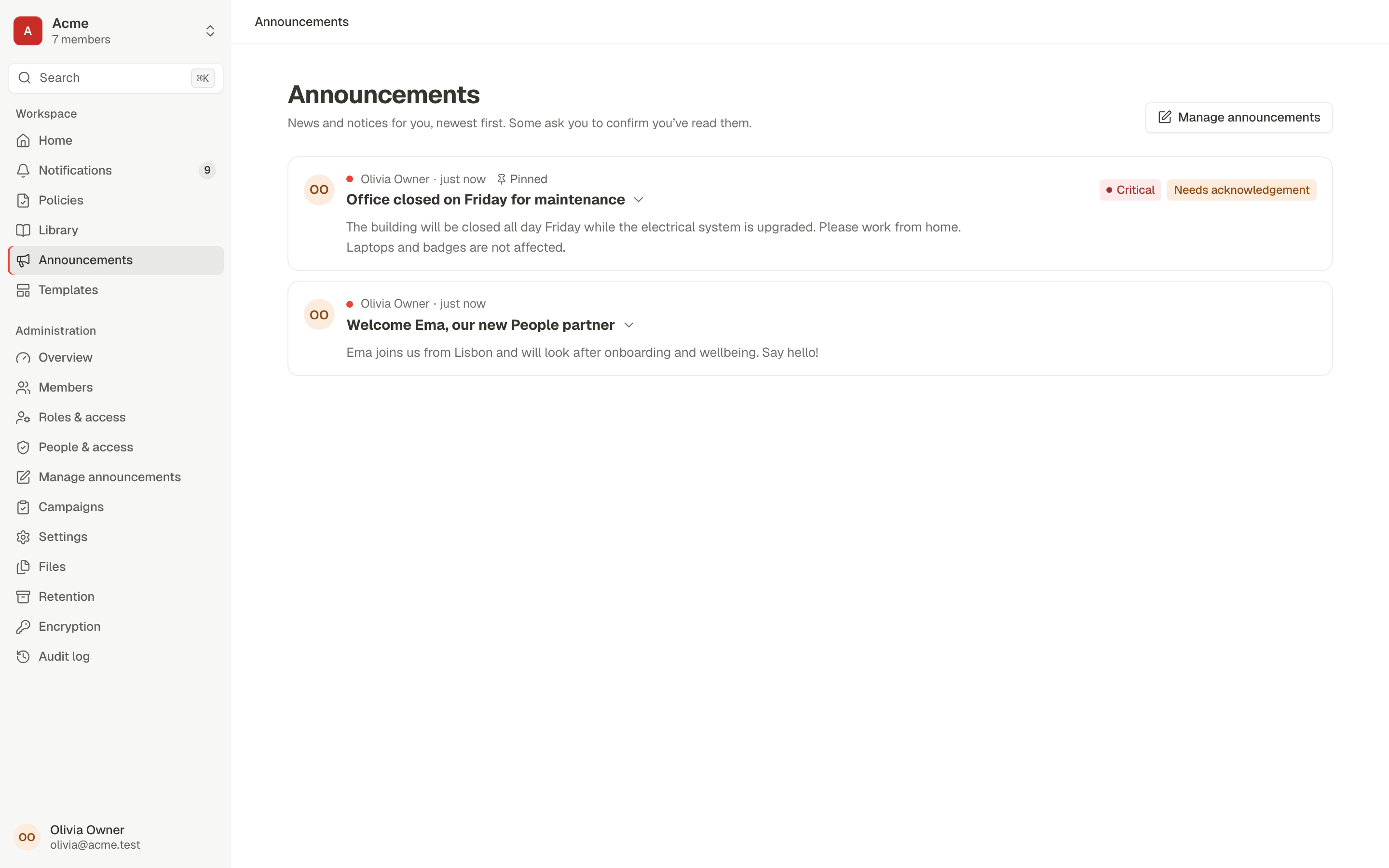
Announcement to a location, with confirm-by and escalation
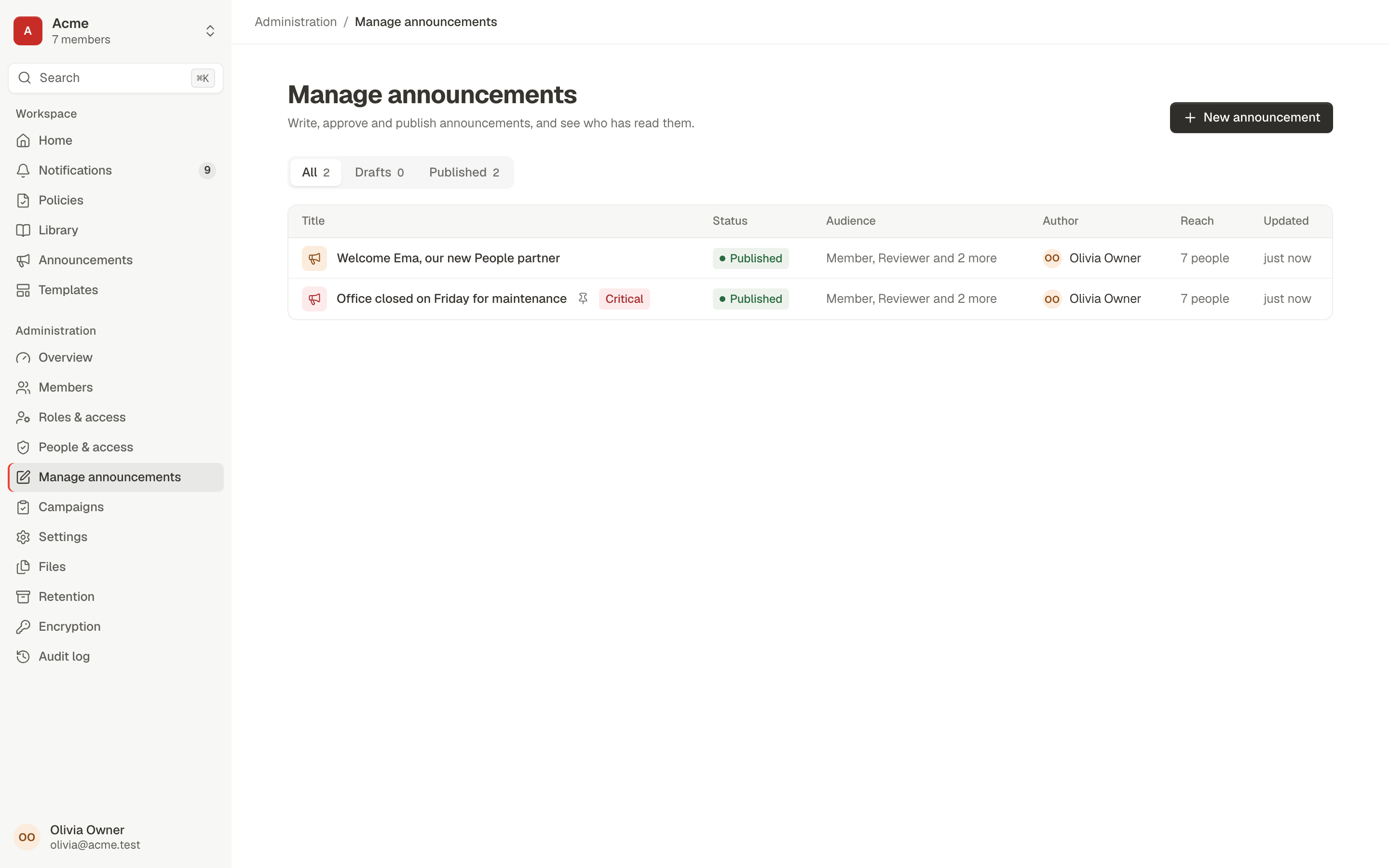
A notice for one office that people must confirm by a date, with managers told about anyone who doesn't.
- Compose. An admin writes the announcement and marks it as needing confirmation.
- Target a location. The audience is the Bangalore location from the directory, with a confirm-by date three days out.
- Only they receive it. Members in Bangalore get it; nobody else does.
- Confirmations count. The announcement's campaign counts each confirmation, by department.
- Escalate once. Past the deadline, the manager of anyone who didn't confirm is told, exactly once.
Verified by automated browser tests E2E-R1-09, E2E-R1-FLOW-04, E2E-R1-10, run against the real server, database and mail catcher. E2E-R1-FLOW-04 covers a critical post opened from email while signed out; E2E-R1-10 covers approval before publishing and expiry.
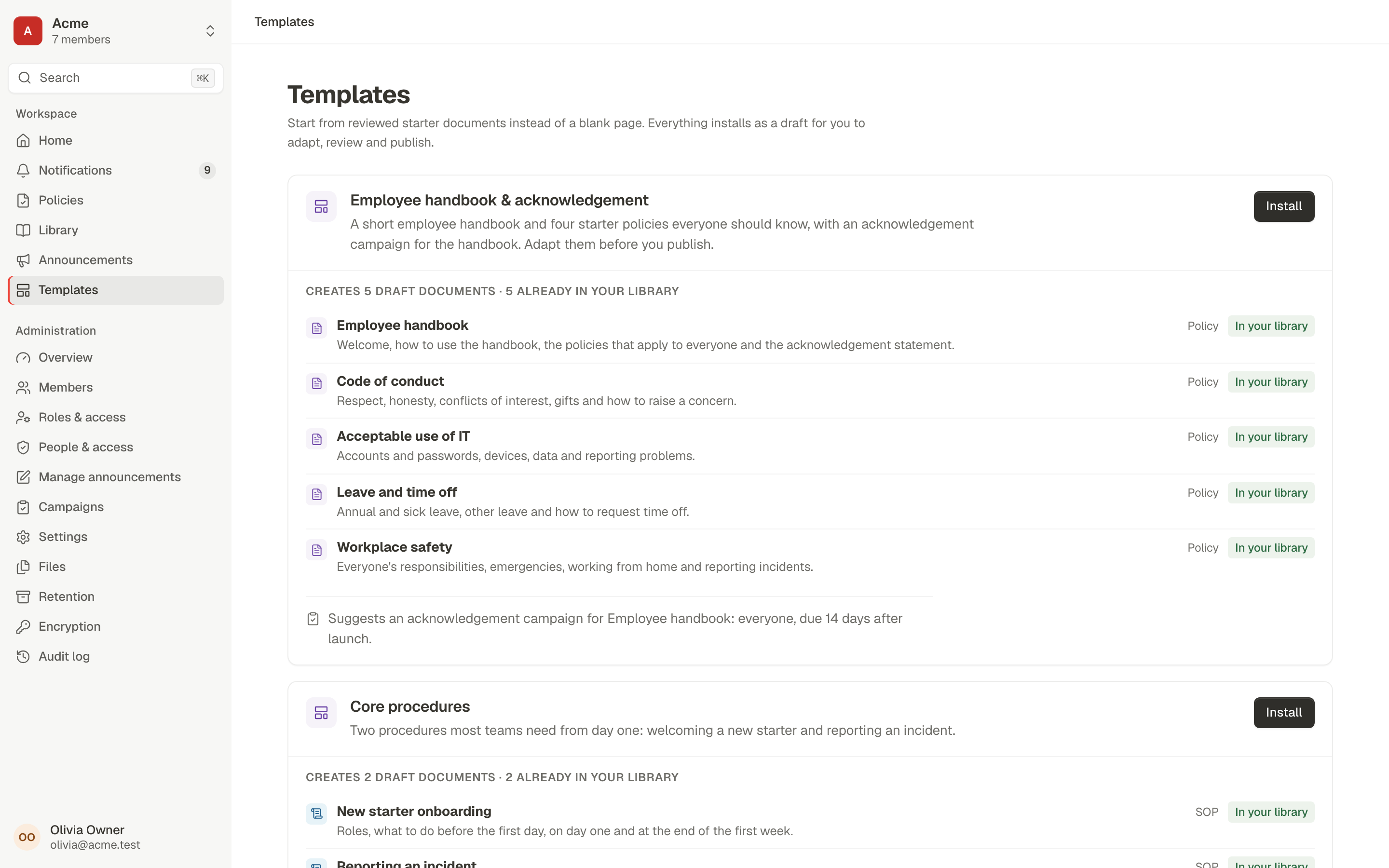
Startup day one: template pack to 20 acknowledgements on phones
A ten-person company with no policies at 9 a.m. and signed-off acknowledgements before lunch.
- Starter profile. The workspace runs on the Starter configuration profile.
- Install a pack. From Home, Browse templates and install the Employee handbook pack: five drafts.
- Publish the handbook. Adapt it, then publish.
- Launch the campaign. Start the suggested acknowledgement campaign for everyone.
- 20 people acknowledge. Each one on a 390 × 844 phone screen.
- Done in minutes. 20 of 21 acknowledged, inside 15 minutes of wall-clock time.
Verified by automated browser test E2E-R1-18, run against the real server, database and mail catcher.
Keyboard only, start to finish
Publishing and acknowledging a policy without touching a mouse: Tab, Enter and typing.
- Author from the Library. Create the policy, write it and move it through review using only the keyboard.
- Publish. Reach Published without a pointer.
- Colleague signs in. From the sign-in page, by keyboard.
- Acknowledge. Find the request and acknowledge it, still keyboard only.
Verified by automated browser test E2E-R1-19, run against the real server, database and mail catcher. Accessibility is also checked automatically: axe in light and dark themes, focus visibility and reflow (E2E-P0 pack).
Run them yourself
The browser packs live in e2e/packs/r1. The journeys above are in flows.ui.spec.ts and the R1 gate pack, gate.ui.spec.ts. They need the database-backed E2E stack described in the plan.